Are you tired of drowning in unread Notion pages? For the last few years, Notion has been the default "operating system" for students, writers, and developers. We build elaborate dashboards, tag databases, and create aesthetic wikis.
But for many, Notion has become a "graveyard" for information—a place where you store PDF links and notes that you never actually read again. In 2026, the paradigm is shifting from storing information to interacting with it.
Enter Google NotebookLM. While it isn't a direct replacement for Notion's project management features, it is rapidly replacing Notion for the research phase of work. Based on the latest trends in AI tools, here are the 5 hidden features of NotebookLM that are causing power users to switch their workflows.
1. The "Audio Overview": Turning Reading into Listening
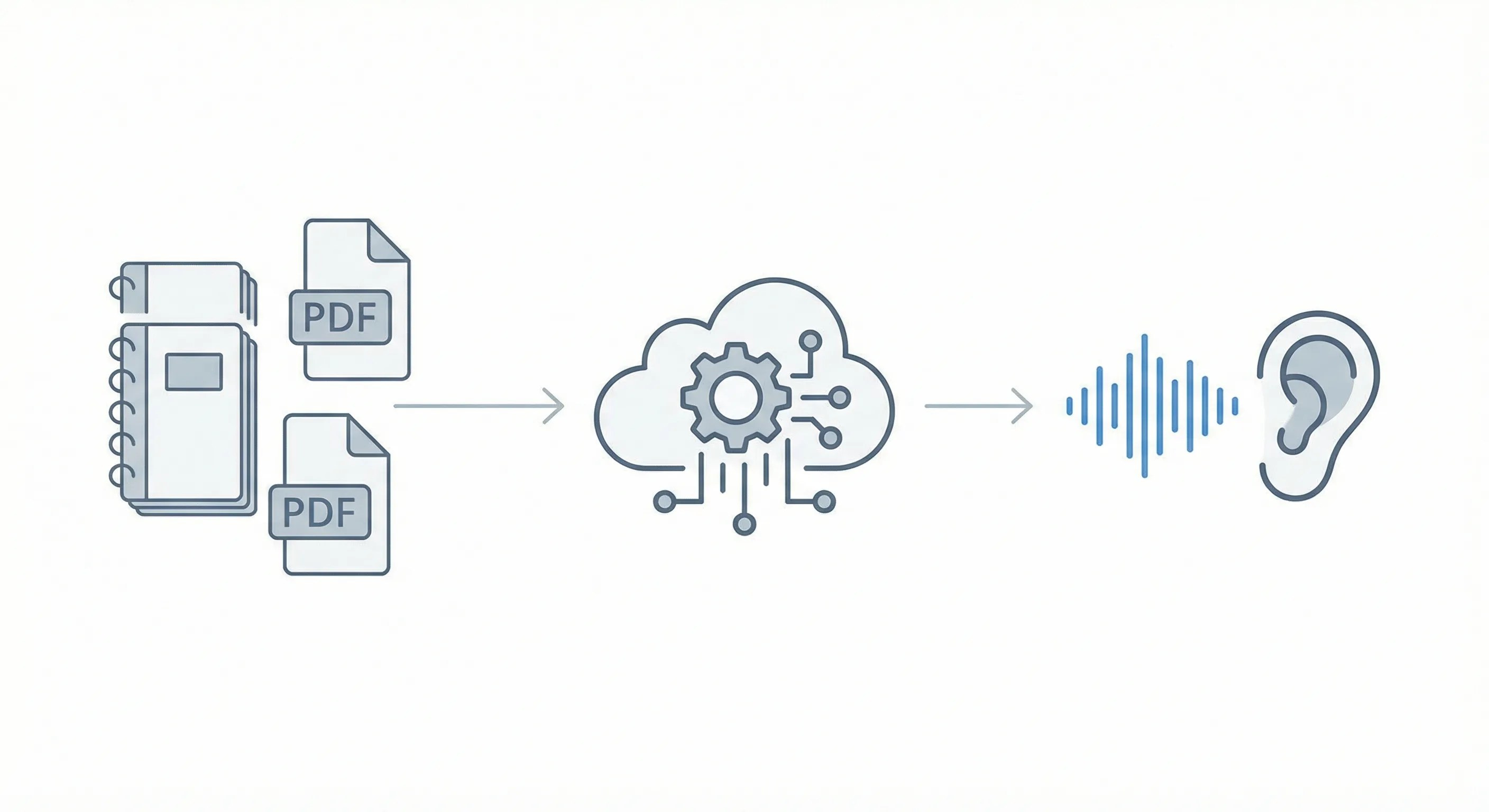
The most revolutionary feature of NotebookLM, which Notion simply cannot compete with, is the ability to transform text into audio. As noted in the guide for students, NotebookLM allows users to "Turn 500 Pages of Notes into a Podcast".
The Problem with Notion
In Notion, if you save a 50-page PDF, it sits there. To get value from it, you must sit down, scroll, read, and highlight. It requires 100% of your active attention.
The NotebookLM Solution
NotebookLM utilizes a feature called Audio Overview. When you upload your sources (textbooks, lecture slides, or meeting transcripts), the AI generates a simulated conversation between two hosts.
- Deep Dive: They don't just read the text; they discuss it. They make analogies, banter, and connect concepts.
- Passive Learning: This feature is a game-changer for "Auditory Learners". You can "read" your research while commuting, cooking, or at the gym.

2. Grounded "Semantic" Search (No More Tagging)
Notion relies heavily on manual organization. You have to tag, categorize, and link pages yourself. If you forget to tag a page, you might lose that information forever.
NotebookLM uses Grounded AI. This means you don't need to organize your notes; the AI "reads" all of them simultaneously and retrieves answers based on meaning, not just keywords.
How It Works
If you have 20 different research papers uploaded:
- In Notion: You would need to open each one and search for specific terms.
- In NotebookLM: You simply ask a question like, "What are the common arguments against this legal precedent across all documents?"
- The Result: The AI synthesizes an answer from all 20 sources instantly. This is particularly powerful for complex tasks, such as "Summarizing Legal Documents", where missing a connection between two files can be critical.
3. Instant Citations: The Fact-Checker’s Safety Net
One of the biggest fears when using AI for research—and a reason many stuck to manual note-taking in Notion—was the fear of "hallucinations" (AI inventing facts).
NotebookLM addresses this with a feature that makes it superior for academic work: Direct Citations.
The "Grey Number" Feature
Every time NotebookLM answers a question, it includes small grey citation numbers (footnotes).
- Click to Verify: When you click a citation number, the tool automatically scrolls to and highlights the exact paragraph in the original PDF where that information came from.
- Academic Integrity: This is essential for students writing a "First-Class Dissertation" or checking facts in generated content.

In Notion, verifying a fact requires opening the original file and searching for the sentence manually. NotebookLM automates this verification loop.
4. The "Source Guide" and Automated Briefings
When you create a new page in Notion, it is blank. You face the "terror of the blank page."
NotebookLM eliminates this. As soon as you upload a source, the AI automatically generates a Source Guide. This includes:
- A concise summary of the document.
- Key topics and tags.
- Suggested questions to ask the document.
This acts as an automated "onboarding" for your research. It effectively does the "Smart Notes" (Zettelkasten) work for you, preparing the material for deep work before you've even typed a single word.
5. The "Second Brain" Processor
While Notion is a great storage locker, NotebookLM is the factory. The most effective modern workflow involves using both, but moving the processing work to NotebookLM.
The Hybrid Workflow
Many users are now "Building a Second Brain Using NotebookLM and Obsidian".
- Dump Data: Throw all raw PDFs, messy notes, and transcripts into NotebookLM.
- Process: Use NotebookLM to query the data, find connections, and generate summaries.
- Export: Take the high-quality, synthesized insights and then save them into Notion or Obsidian for long-term storage.
This prevents your Notion workspace from becoming cluttered with raw, unprocessed files. You only store the "gold" that NotebookLM has mined for you.
Conclusion: Is Notion Dead?
Not exactly. Notion remains excellent for task management, habit tracking, and project dashboards. However, for pure research—whether you are a medical student organizing notes, a developer learning a new framework, or a writer planning an essay—NotebookLM offers a set of hidden features that make manual note-taking feel obsolete.
Over to you: Have you tried the Audio Overview yet? Does it help you learn faster, or do you prefer reading? Drop a message on our socials and let us know.
Frequently Asked Questions
Can Google NotebookLM replace Notion for research?
NotebookLM can replace Notion for the research phase by summarizing, synthesizing, and citing source documents, while Notion remains better for project management.
What makes NotebookLM better than Notion for students?
NotebookLM offers audio overviews, semantic search, and instant citations, making it more effective for studying and academic research.
Is NotebookLM safe for academic research?
Yes. NotebookLM grounds its answers in uploaded sources and provides direct citations.